Creators with paid communities
Handle member billing questions, access issues, content requests, and onboarding from inside the community instead of a disconnected inbox.
Courses · · 6 min read
Why it matters
When your members hit a problem, where do they go? On most community platforms the answer is an email address, a contact form, or a separate help desk product with its own login, its own branding, and its own subscription.
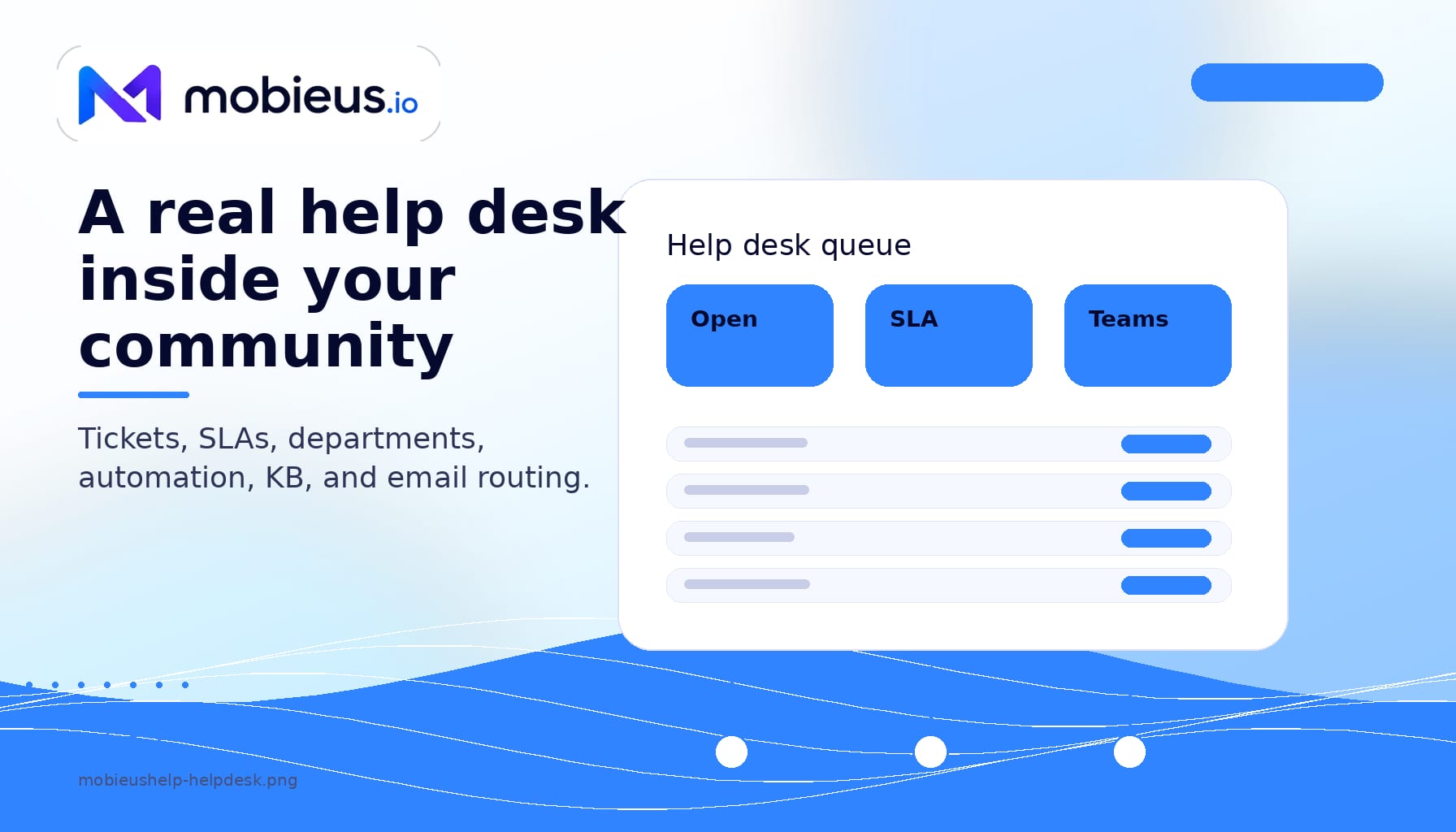
mobieusHelp changes that. It makes Mobieus a community platform with a help desk built in, running inside the same community as your forums and courses. Members use the same account, agents see the same member profiles, and a support ticket carries the same identity as a forum post or a course enrollment. Nobody is cross-referencing email addresses across disconnected systems.
mobieusHelp handles everything from a one-line member question to a multi-department support workflow.
Every request becomes a ticket with a unique reference, a status lifecycle, a priority, an assignee, and the full conversation. Agents add internal notes members never see, attach files, and read the timeline so anyone can pick up where the last person left off.
Set up queues for billing, technical support, onboarding, abuse, or whatever your community needs. Tickets land in the right queue from the portal topic, the receiving email address, or an automation rule. Each queue picks its own assignment policy: round-robin, fewest-open, or manual. Agents can hold roles in more than one queue.
Create first-response and resolution targets and attach them to a queue. A background worker measures every ticket against your business hours and flags it on-track, at-risk past 75% of the budget, or breached, writing an audit entry on each change.
The rules engine fires on ticket events: created, replied, status change, assignment, and tagging. Conditions read the ticket, queue, topic, tags, and requester. Actions set priority, add tags, move queues, reassign, swap the SLA, or change status. Rules run in order, so the common patterns get handled before an agent ever opens the ticket.
Pre-write replies with ticket-aware placeholders like the requester's first name and the ticket reference. Bundle several steps into a macro that posts a templated reply, sets status and priority, assigns the ticket, and adds tags, so an agent clears a routine ticket in one click instead of four.
The portal's topic picker maps a member's intent to a queue and a default priority, and can attach custom fields: text, number, URL, email, date, or a select list. Fields render on the portal form, become required when you mark them so, and show on the ticket. Internal-only fields let staff track data members never see.
Members email your support address and it arrives as a ticket. A reply to a notification email threads back into the same conversation within about a minute, deduplicated so a forwarded copy never opens a second ticket.
Members open tickets, check status, read their history, and search the knowledge base from a portal that carries your branding. They sign in with their existing community account, so there is no separate registration. Relevant mobieusKnow articles surface before the ticket form, which deflects the questions that already have a published answer.
On Creator Plus and Sovereign, mobieusHelp adds live chat. A chat button sits on your community, a visitor sends a message, and a conversation starts. Behind the scenes each chat becomes a ticket, so it keeps the same queue, history, and SLA as everything else and never slips through a crack. Agents answer from a live console, and you can style the button, place it in either corner, and embed it on other sites you control with a one-line snippet. The new all-in-one community platform breakdown covers how live chat fits the rest of the suite.
Ask for feedback when a ticket closes. Pick CSAT (a 1 to 5 satisfaction score), CES (a 1 to 7 effort score), or NPS (a 0 to 10 recommendation), write your own question, and the answer feeds your reports.
Send a one-off message to the people who have contacted support: everyone, verified requesters only, recent contacts, or anyone with an open ticket. You see the recipient count before you send, and every message carries a one-click unsubscribe.
Track ticket volume, SLA breach rate, and first-response and resolution times as average, median, and 90th percentile, so a few slow outliers don't hide behind the average. Break any of it down by queue and by agent, and export to CSV.
With mobieusAI switched on, the help desk gains AI assists that run on your own key: reply drafts, thread summaries, sentiment flags, topic and queue suggestions, knowledge-base gap detection, and more. They live inline on the ticket page, and you turn each one on or off. An optional auto-resolve answers a brand-new ticket straight from your knowledge base when it is confident enough, and leaves a private note for an agent when it is not. It never closes a ticket on its own.
The difference between mobieusHelp and a standalone help desk is identity. When a member opens a ticket, the agent sees the same profile that appears on the forums, the courses, the knowledge base, and messaging. The agent knows the member's role, their activity, their enrollments, and their subscription without switching to another system.
That is the difference between "I see your email address" and "I see your whole relationship with this community."
Handle member billing questions, access issues, content requests, and onboarding from inside the community instead of a disconnected inbox.
Run structured support with queues, SLAs, escalation rules, and custom forms for member services, IT, or partner support.
Each tenant gets its own help desk with its own branding, its own queues, and its own SLA configuration. No cross-tenant data leakage.
| Tier | Help desk | Live chat |
|---|---|---|
| Starter | Not included | Not included |
| Pro | Included, unlimited agents | Not included |
| Creator Plus | Included, unlimited agents | Included |
| Sovereign | Included, unlimited agents | Included |
There is no per-agent fee. Every Pro, Creator Plus, and Sovereign community gets the full help desk with unlimited agents, unlimited tickets, and unlimited SLA plans. Live chat is included on Creator Plus and up. See the full pricing page for every tier and feature.
mobieusHelp and mobieusLearn are the two products bundled from Pro. If you also teach or certify members, the course tool fits the same community, on the same login.