Your URL, your brand.
Members see your domain, and search equity accumulates on a hostname you own.
Ownership · · 3 min read
Custom domains
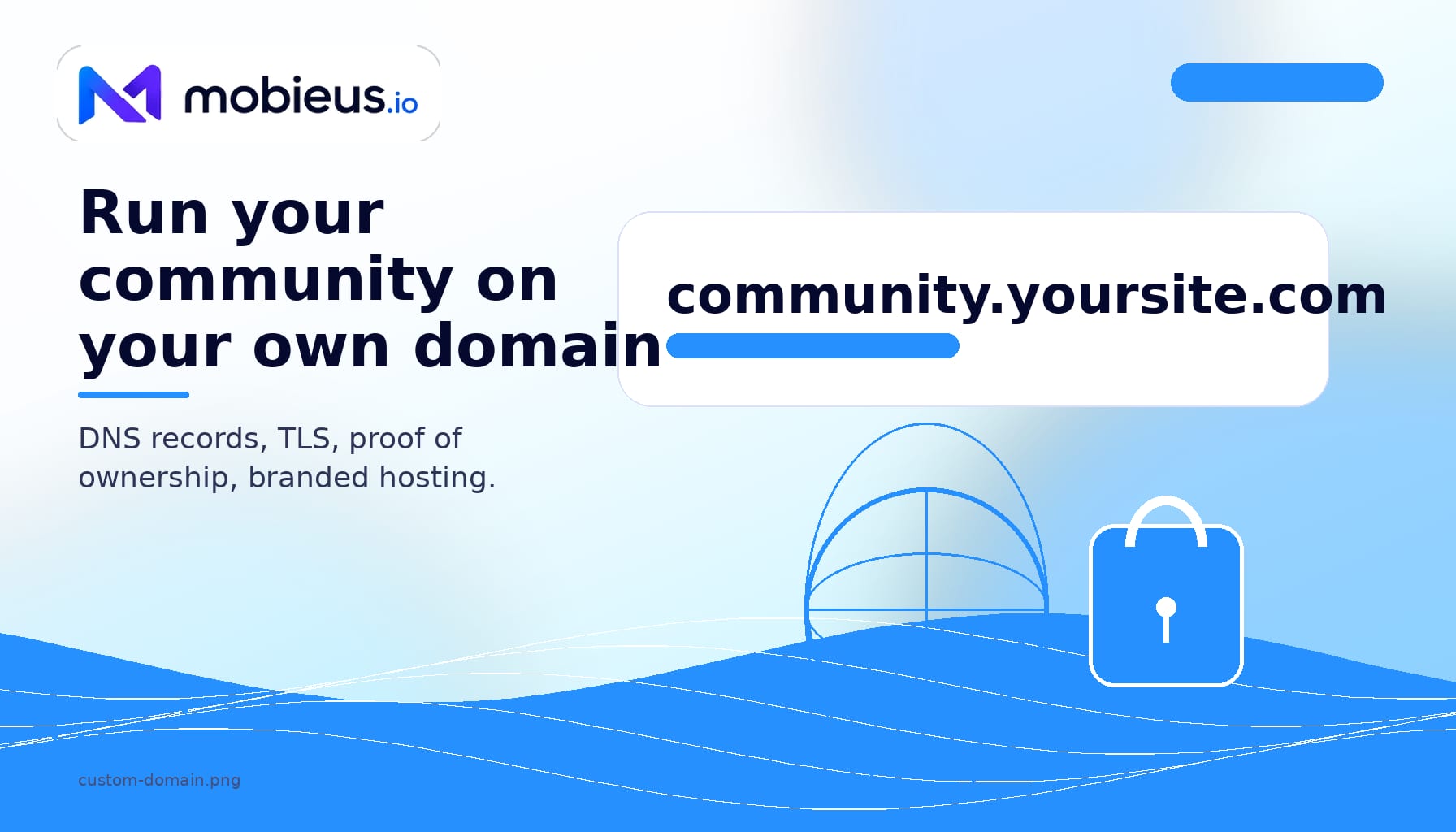
Your community's URL is part of your brand. community.yoursite.com reads as yours. yoursite.mobieus.io reads as a rental. Members notice. Search engines notice. You notice every time you paste a link into an email.
You add two DNS records at your registrar, click Verify, click Activate, and Mobieus takes it from there. The TLS certificate is included. Renewals are handled.
community.yoursite.com build your domain authority, not ours.The setup is two DNS records on your end, two clicks on ours.
The CNAME tells the internet that community.yoursite.com is served by your Mobieus tenant. It points at yourslug.mobieus.io.
The TXT record proves that you own the domain. The value is a one-time token generated when you save the domain.
Once both records resolve, Mobieus verifies them and unlocks Activate. Activation requests a TLS certificate, renders the edge route, and wires sign-in so members can use your custom domain without leaving your brand.
community.yoursite.com. Apex domains are a later phase.From your members' point of view: the URL changes, nothing else. Sessions, profiles, posts, files, and message history carry through. Members who bookmarked the old yourslug.mobieus.io URL still land in the same place.
From your operator seat: update invite links, share buttons, and any third-party automations. Mobieus automatically updates system-generated links like welcome emails, password resets, and notifications.
The TLS certificate renews automatically. No renewal reminder, no action item, no downtime window.
The Remove button takes down the certificate and edge routing in about thirty seconds. Your community keeps running at yourslug.mobieus.io. To switch domains, remove the current one, save the new hostname, then verify and activate again.
community.yoursite.com works. yoursite.com by itself does not yet.Custom domains are included on Pro, Creator Plus, and Sovereign. Starter tenants get the yourslug.mobieus.io URL only. There is no per-domain fee on top of the plan.
Members see your domain, and search equity accumulates on a hostname you own.
Two DNS records, two clicks, one TLS certificate that renews itself.
Owning the hostname means you can move it later without killing inbound links.